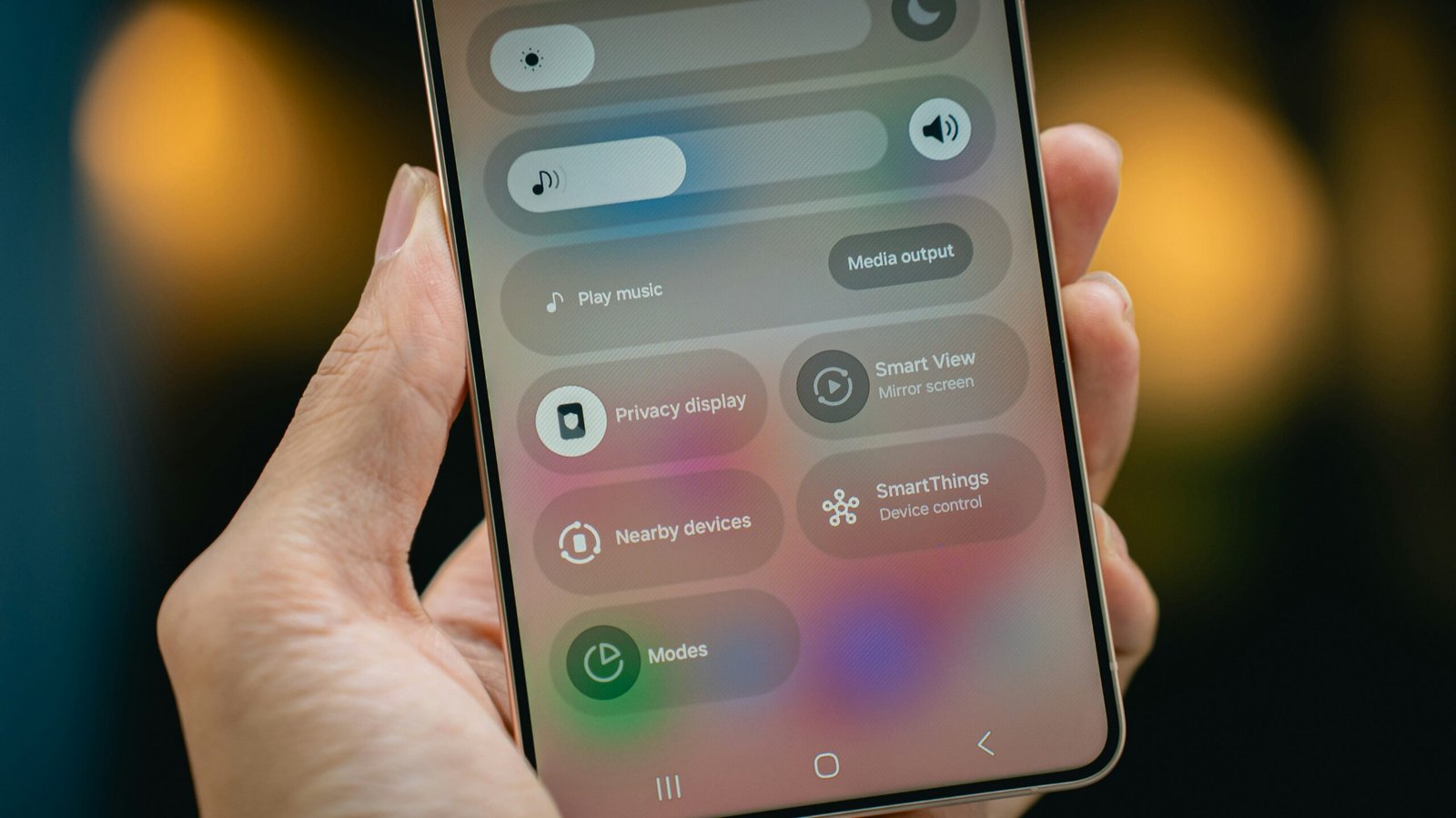
Responsive web design (RWD) is a web development approach designed to create websites that deliver optimal viewing experiences across diverse devices. This methodology ensures that website layouts, images, and features automatically adjust to match the screen size and orientation of the user’s device, including desktop computers, tablets, and smartphones. RWD operates on the principle of fluidity, where page elements resize and reposition based on available screen space.
Developers achieve this adaptability through flexible grids, layouts, and media queries—tools that specify how content should display under different screen conditions. Responsive design developed as a solution to the increasing variety of devices used to access the internet. The rise of smartphones and tablets created user expectations for websites to function properly on any device.
This change in user behavior has made responsive design a priority for web designers and developers. By implementing RWD techniques, organizations can maintain websites that remain functional and accessible in a mobile-dominated environment. This approach produces dual benefits: enhanced user experience and improved search engine rankings, since search engines such as Google prioritize mobile-friendly websites in their ranking algorithms.
Importance of Mobile-Friendly Design
The significance of mobile-friendly design cannot be overstated in today’s digital landscape. As of 2023, mobile devices account for over half of all global web traffic, a trend that continues to rise year after year. This shift has fundamentally changed how users interact with websites; they expect fast-loading, easy-to-navigate experiences that cater to their specific device capabilities.
A mobile-friendly design ensures that users can access content without frustration, which is crucial for retaining visitors and reducing bounce rates. If a website is not optimized for mobile use, users are likely to abandon it in favor of competitors who offer a more seamless experience. Moreover, mobile-friendly design has direct implications for business success.
Research indicates that a significant percentage of users are more likely to engage with a brand after having a positive mobile experience. This engagement can translate into higher conversion rates, as users are more inclined to make purchases or sign up for services when they can easily navigate a site on their mobile devices. Additionally, search engines prioritize mobile-friendly websites in their rankings, meaning that businesses that invest in responsive design are more likely to attract organic traffic.
In essence, a mobile-friendly design is not just an option; it is a necessity for any business aiming to thrive in the digital age.
Creating a Consistent User Experience Across Devices

Creating a consistent user experience across devices is one of the primary goals of responsive web design. Users today switch between multiple devices throughout their day, and they expect a uniform experience regardless of whether they are using a smartphone, tablet, or desktop computer. A consistent user experience fosters familiarity and trust, which are essential for building brand loyalty.
When users encounter the same design elements, navigation structures, and overall aesthetics across devices, they are more likely to feel comfortable interacting with the site. To achieve this consistency, designers must carefully consider how elements such as typography, color schemes, and navigation menus translate across different screen sizes. For instance, while a large hero image may look stunning on a desktop, it may overwhelm a mobile screen if not appropriately scaled down.
Similarly, navigation menus should be designed to be easily accessible on smaller screens without sacrificing functionality. By maintaining visual and functional consistency across devices, businesses can ensure that users have a cohesive experience that encourages them to return.
Implementing Flexible Grids and Layouts
Flexible grids and layouts are foundational components of responsive web design. Unlike traditional fixed layouts that rely on specific pixel dimensions, flexible grids use relative units such as percentages or ems to define the size of elements on the page. This approach allows content to resize fluidly based on the screen size, ensuring that it remains visually appealing and easy to read regardless of the device being used.
For example, a three-column layout on a desktop may collapse into a single column on a mobile device, allowing for better readability and navigation. In addition to flexible grids, designers often employ layout techniques such as CSS Grid and Flexbox to create responsive designs. CSS Grid allows for complex layouts that can adapt dynamically to different screen sizes by defining rows and columns that adjust based on available space.
Flexbox, on the other hand, is particularly useful for aligning items within a container and distributing space among them efficiently. By leveraging these modern layout techniques, designers can create visually engaging websites that maintain functionality across various devices.
Utilizing Media Queries for Adaptability
| Metric | Description | Before Responsive Design | After Responsive Design | Improvement |
|---|---|---|---|---|
| Mobile Bounce Rate | Percentage of visitors who leave the site after viewing only one page on mobile devices | 65% | 35% | 30% decrease |
| Average Session Duration | Average time users spend on the website per visit | 1 min 20 sec | 3 min 10 sec | 137% increase |
| Page Load Time (Mobile) | Average time it takes for a page to fully load on mobile devices | 6.5 seconds | 3.2 seconds | 51% faster |
| Conversion Rate (Mobile) | Percentage of mobile visitors completing desired actions (e.g., purchases, sign-ups) | 1.8% | 4.5% | 150% increase |
| User Satisfaction Score | Average rating from user surveys on website usability and experience | 3.2 / 5 | 4.4 / 5 | 37.5% increase |
Media queries are an essential tool in responsive web design that enable developers to apply different styles based on the characteristics of the device being used. By using media queries, designers can specify breakpoints at which the layout or styling of a website should change in response to varying screen sizes or orientations. For instance, a media query might adjust font sizes or hide certain elements when viewed on smaller screens, ensuring that content remains accessible without overwhelming the user.
The power of media queries lies in their ability to create tailored experiences for different devices without duplicating content or creating separate versions of a website. This not only streamlines development but also enhances performance by reducing load times and improving overall user experience. For example, an e-commerce site might use media queries to display larger product images on desktops while providing smaller thumbnails on mobile devices.
This adaptability ensures that users receive an optimized experience tailored specifically to their device capabilities.
Enhancing Performance and Loading Times

Performance and loading times are critical factors in user satisfaction and retention. In an era where users expect instant access to information, slow-loading websites can lead to frustration and abandonment. Responsive web design plays a significant role in enhancing performance by optimizing how content is delivered across different devices.
Techniques such as image optimization—where images are resized or compressed based on device capabilities—can significantly reduce loading times without sacrificing quality. Additionally, leveraging modern web technologies such as lazy loading can further improve performance by deferring the loading of off-screen images until they are needed. This approach minimizes initial load times and conserves bandwidth for users on mobile networks.
Furthermore, utilizing content delivery networks (CDNs) can help distribute website assets more efficiently across geographical locations, ensuring faster access for users regardless of where they are located. By prioritizing performance in responsive design, businesses can create faster-loading websites that enhance user satisfaction and engagement.
Improving User Engagement and Interaction
User engagement is paramount for any website aiming to achieve its goals—be it increasing sales, generating leads, or fostering community interaction. Responsive web design contributes significantly to user engagement by providing an intuitive interface that encourages interaction across devices. When users find it easy to navigate a site and access content seamlessly from their preferred device, they are more likely to spend time exploring what the site has to offer.
Interactive elements such as buttons, forms, and multimedia content must be designed with responsiveness in mind. For instance, touch targets should be appropriately sized for mobile users to ensure ease of interaction without accidental clicks. Additionally, incorporating features like swipe gestures or voice commands can enhance engagement further by aligning with how users interact with their devices today.
By focusing on creating engaging experiences through responsive design principles, businesses can foster deeper connections with their audience.
Testing and Optimizing for Different Devices and Screen Sizes
Testing and optimizing for various devices and screen sizes is an integral part of the responsive web design process. Given the vast array of devices available today—from smartphones with varying screen sizes to tablets and desktops—ensuring compatibility across all platforms requires thorough testing. Developers often utilize emulators and real devices to assess how their designs perform under different conditions.
This process helps identify potential issues such as layout breaks or functionality problems that may arise on specific devices. Moreover, continuous optimization is essential even after launch. User feedback can provide valuable insights into how real users interact with the site across different devices.
Analytics tools can track user behavior patterns, revealing which devices are most commonly used to access the site and how users navigate through it. By analyzing this data, businesses can make informed decisions about further enhancements or adjustments needed to improve the overall user experience. Regular testing and optimization ensure that websites remain functional and appealing as new devices enter the market and user preferences evolve over time.
FAQs
What is responsive web design?
Responsive web design is an approach to web development that ensures a website’s layout and content adapt seamlessly to different screen sizes and devices, providing an optimal viewing experience for users on desktops, tablets, and smartphones.
Why is responsive web design important for user experience?
Responsive web design improves user experience by making websites easier to navigate and read on any device, reducing the need for zooming or horizontal scrolling, and ensuring faster load times, which collectively enhance user satisfaction and engagement.
How does responsive web design affect website performance?
Responsive web design can improve website performance by using flexible grids, images, and CSS media queries to deliver appropriately sized content, which reduces load times and bandwidth usage, especially on mobile devices.
What are the key components of responsive web design?
The key components include flexible grid layouts, flexible images and media, and CSS media queries that detect the device’s screen size and adjust the website’s design accordingly.
Can responsive web design improve SEO?
Yes, responsive web design can improve SEO because search engines like Google prioritize mobile-friendly websites in their rankings, and a single responsive site avoids duplicate content issues associated with separate mobile and desktop versions.
Is responsive web design suitable for all types of websites?
Responsive web design is suitable for most websites, including blogs, e-commerce sites, and corporate websites, as it ensures accessibility and usability across a wide range of devices and screen sizes.
How does responsive web design differ from adaptive web design?
Responsive web design uses fluid grids and flexible layouts that adjust continuously to screen size, while adaptive web design uses predefined layouts for specific screen sizes, switching between them based on the detected device.
What tools can help in creating responsive web designs?
Popular tools include CSS frameworks like Bootstrap and Foundation, design software like Adobe XD and Figma, and browser developer tools that allow testing and debugging responsive layouts.
How can I test if my website is responsive?
You can test responsiveness by resizing your browser window, using developer tools in browsers like Chrome or Firefox, or using online testing tools such as Google’s Mobile-Friendly Test or BrowserStack.
Does responsive web design impact website maintenance?
Responsive web design can simplify website maintenance by consolidating desktop and mobile versions into a single codebase, reducing the effort required to update and manage the site.