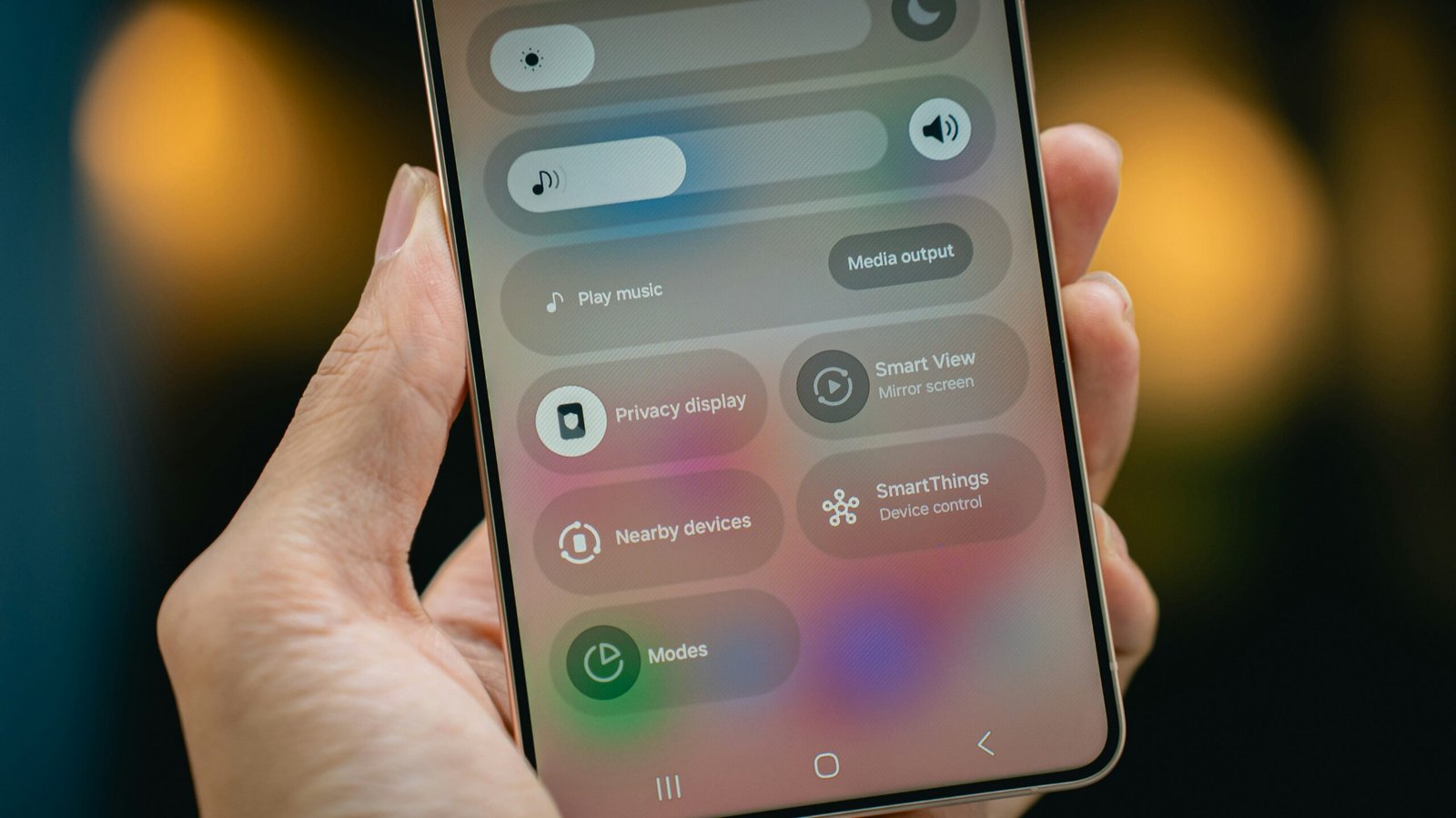
Whether mobile operating systems actively suspend inactive apps to preserve battery life is a common question, and the answer is nuanced. While modern systems do employ various power-saving techniques, there’s no widespread, direct policy or recent news indicating a specific move by mobile operating systems to unilaterally suspend inactive apps purely for battery preservation. Instead, the focus has shifted, particularly for Android, towards security and control over app distribution.
The Real Story: Security, Not Battery
It’s easy to assume that operating systems are constantly tweaking how apps run in the background to save those precious battery percentages. However, recent developments and conversations in the mobile tech space, especially concerning Android, point to a different priority. The real action is around security and how apps are installed and verified, not a new push for suspending inactive apps to save power.
Android’s Shifting Landscape
The upcoming changes in Android’s policies are a prime example. These changes, set to roll out over the next few years, are all about making sure the apps you install are legitimate and safe.
2026 Policy Rollout Details
Google’s new developer verification policy for Android is a significant shift. Developers will need to get verified starting in March 2026 if they want their apps to be installed without extra hurdles. The enforcement begins in September 2026 in specific regions like Brazil, Indonesia, Singapore, and Thailand, with a global rollout planned for 2027. This isn’t about battery life; it’s about tightening up the app ecosystem.
Impact on Sideloading
If you’re someone who often installs apps from sources other than the Google Play Store – a practice known as sideloading – you’ll notice these changes. For unverified apps, you might encounter warnings, potential 24-hour delays before an app can be used, or even system restarts. It’s a mechanism to encourage app developers to go through Google’s verification process.
The Debate Around Openness and Control
These policy changes haven’t been universally welcomed. They’ve sparked quite a bit of discussion within the developer community and among users who value Android’s historical openness.
F-Droid’s Concerns
Groups like F-Droid, which promote open-source Android apps and facilitate their distribution outside the Play Store, have voiced strong concerns. They’ve gone as far as to call Google’s new policy a “death sentence” for open-source apps. Their argument is that these new hurdles could make it incredibly difficult for smaller, independent developers to get their creations into users’ hands, potentially stifling innovation and limiting choice.
Community Discussions on Android’s Future
Online forums and developer communities are abuzz with debates about the future of Android. On one side, you have those who see these policies as a necessary step to combat malware and enhance user security. On the other, there are strong proponents of Android’s open nature, fearing that these changes will lead to a more locked-down, iOS-like experience, undermining one of Android’s core advantages.
Why the Shift Isn’t About Battery
It’s crucial to understand that these new Android policies are not designed with battery optimization in mind. The primary motivation is security.
Targeting Malware
Google explicitly states that these policies are aimed at reducing the prevalence of malware. They’ve found that apps installed outside the Google Play Store are significantly more likely to contain malicious code – up to 50 times more, according to some reports. This statistic alone highlights the central concern: protecting users from harmful applications, not extending their phone’s charge.
No Link to App Suspension
There’s no mention in these policy updates or related communications that they are intended to facilitate the suspension of inactive apps or to improve power saving. The mechanisms outlined – developer verification, warnings for unverified apps, installation delays – are all about vetting the source and integrity of software, not its runtime power consumption.
How Apps Do Get Managed for Battery Life (Historically)
While the latest news focuses on security, it’s important to differentiate that from the long-standing methods mobile operating systems use to manage apps and conserve battery, even if these methods aren’t in the headlines right now.
Background Activity Restrictions
Both Android and iOS have had sophisticated systems in place for years to manage background app activity. These aren’t about “suspending inactive apps” in a blanket sense, but rather restricting what apps can do when they’re not in the foreground or actively being used.
Android’s Doze Mode and App Standby
Android introduced features like Doze Mode, which puts the device into a deeper sleep state when it’s stationary and unplugged for a period. During Doze, apps’ network access, wake locks, and syncs are deferred. App Standby, another Android feature, restricts background network access for apps that haven’t been used for a while. These are automatic, system-level optimizations that have been around for several generations of Android.
iOS Background App Refresh
iOS has a feature called “Background App Refresh” which allows apps to check for new content in the background. Users have control over this on a per-app basis. If an app frequently refreshes in the background, consuming a lot of power, the system might flag it, and users can disable this feature. iOS also employs strict limits on what apps can do when they’re not in the foreground, using specific APIs for tasks like location updates or VoIP calls to ensure efficient battery usage.
Adaptive Battery and Machine Learning
Modern smartphones often leverage machine learning to understand user habits and adapt battery management accordingly.
Android’s Adaptive Battery
Android, for example, has “Adaptive Battery” (a feature since Android 9 Pie) which learns which apps you use frequently and which you rarely touch. It then prioritizes battery resources for your most-used apps and proactively reduces power consumption for less used ones. This is a subtle, intelligent approach, rather than a blunt “suspension” of apps. It’s about optimizing resource allocation based on actual usage patterns.
Intelligent Power Management
Similarly, iOS and other systems employ intelligent power management that monitors app behaviour. If an app is drawing excessive power in the background, the system might restrict its capabilities or prompt the user to take action. This is more about identifying and mitigating poor app behavior than a system-wide suspension policy for all inactive apps.
The Role of App Developers
It’s also worth noting that app developers play a significant role in battery consumption. Well-designed apps use background resources sparingly and respect system-level power-saving directives. Poorly coded apps, on the other hand, can be significant battery drains, regardless of what the operating system tries to do. This is an ongoing challenge that system developers and app developers constantly work on.
User Control and Transparency
Despite the automated systems, mobile operating systems still offer users a degree of control and transparency regarding app power consumption.
Battery Usage Statistics
Both Android and iOS provide detailed battery usage statistics. Users can see which apps are consuming the most power, both in screen-on time and in the background. This information empowers users to identify problematic apps and take action, such as restricting background usage or uninstalling a particularly power-hungry application.
Permissions and Background Activity Settings
Users can usually control background activity permissions on a per-app basis. For instance, you can decide whether an app is allowed to run in the background, access your location continuously, or refresh content. These granular controls are important tools for users who want to fine-tune their device’s power usage.
Conclusion: A Focus on Security, Evolving Power Management
To reiterate, the recent buzz in the mobile operating system world, particularly for Android, is heavily skewed towards security and app verification, not a new initiative to suspend inactive apps for battery life. While mobile operating systems absolutely implement sophisticated power management techniques, these are generally long-standing features like Doze Mode, App Standby, Adaptive Battery, and strict background activity limits, often enhanced by machine learning.
The conversation about “inactive app suspension for battery” should be understood within this context:
- No new, direct policy specifically suspending all inactive apps for battery.
- Security is the primary driver for the most recent policy changes, especially with Android’s 2026 developer verification.
- Long-standing, intelligent power management techniques continue to evolve, learning from user behavior to optimize battery usage without necessarily “suspending” apps in a direct, punitive way.
- User control and transparency remain key, allowing individuals to monitor and manage app power consumption.
So, while your phone is indeed working hard behind the scenes to conserve battery, it’s doing so through a variety of smart, often invisible, methods, rather than a universal “suspension” of anything that isn’t actively in use. The focus for operating system developers right now seems to be much more on keeping malware off your device than on squeezing a few extra minutes out of its charge through a new app suspension policy.
FAQs
What is the purpose of mobile operating systems suspending inactive apps?
Mobile operating systems suspend inactive apps to preserve battery life. When apps are left running in the background, they continue to consume resources and drain the device’s battery. Suspending inactive apps helps to conserve battery power and improve overall device performance.
How do mobile operating systems determine which apps to suspend?
Mobile operating systems use various criteria to determine which apps to suspend. This may include the app’s usage patterns, the amount of time it has been inactive, and the device’s available resources. Apps that have been idle for a certain period of time and are not essential for background tasks may be suspended.
Can users override the suspension of inactive apps?
In some cases, users may have the option to override the suspension of inactive apps. Mobile operating systems may provide settings or options for users to specify which apps should remain active in the background, even when they are not in use. However, overriding app suspension may impact battery life and device performance.
What are the benefits of suspending inactive apps?
Suspending inactive apps offers several benefits, including improved battery life, reduced resource consumption, and enhanced device responsiveness. By suspending apps that are not actively being used, mobile operating systems can optimize the device’s performance and prolong its battery life.
Are there any drawbacks to suspending inactive apps?
While suspending inactive apps can help conserve battery life and improve device performance, there are potential drawbacks. For example, some users may prefer to keep certain apps running in the background for quick access. Additionally, suspending apps may impact the user experience if they need to be reloaded when accessed again.